Page 1 of 1
Replace Panel Disappearing
Posted: Fri Aug 25, 2023 3:58 pm
by AndyH
I have had this problem on different versions of textpad over about 17 years of using it.
Working with two screens on Win 11. I use the replace function all the time. All of a sudden the panel disappears and I can't it back.
I close all the windows to see if it is lurking behind anything, cant find it.
I restarted textpad. No change. I rebooted no change. I downloaded 9.3 and thought this is bound to sort it. No change.
Anybody have a workaround or a fix?
Re: Replace Panel Disappearing
Posted: Sat Aug 26, 2023 7:31 am
by AmigoJack
If you mean the dialog
window instead of the
toolbar "panel":
AmigoJack wrote: Wed Mar 22, 2023 4:08 pm
They're most likely out of reach. Wherever that happens to you (the program doesn't matter):
- Pay attention if the main window loses its focus. In older Windows versions the title bar would get a different color, so one could quickly tell which window had the focus (speak: was in the foreground). If this is still the case then the expected dialog window is shown.
- You can't see it, because it's outside the (current) desktop. Windows which are displayed but can't be seen can still be reached via keyboard:
- just press Alt+Space to bring up the system menu,
- then select Move,
- then hit one of the arrow keys (up, down, left, right... doesn't matter which) and
- then you can freely move the mouse to see your window again within the bounds of your desktop.
Might happen with multiple monitors and afterwards using only one, too.
Re: Replace Panel Disappearing
Posted: Sun Aug 27, 2023 1:22 pm
by AndyH
Thanks for the reply Amigo Jack
- TextPad.png (248.73 KiB) Viewed 2803 times
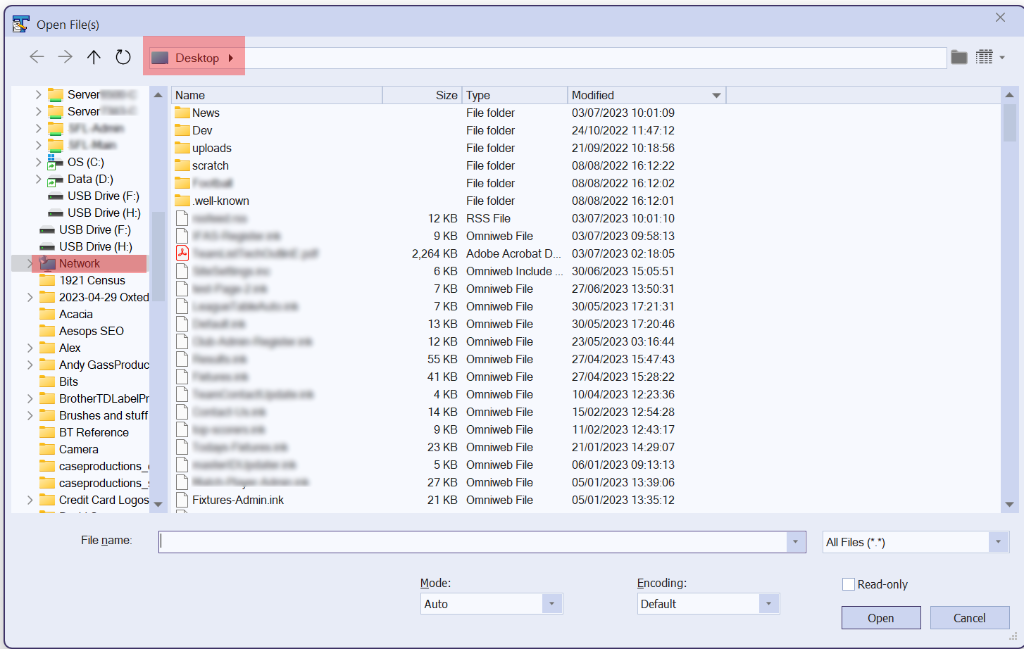
The Dialogue window I am referring to is the "replace" equivalent of the one shown in the screengrab.
I tried using Alt Space I get the System menu in the screengrab doesn't allow me to move. I closed the window and tried finding it in Alt Tab, nothing, I can reboot, reinstall the software and the replace window is nowhere to be seen even if I have textpad as the only program open. When I had this before it would come back with a reboot.
Re: Replace Panel Disappearing
Posted: Sun Aug 27, 2023 11:23 pm
by AmigoJack
Alt+Tab switches between entire programs, not between windows of one program. You can Alt+Tab to a different program (f.e. Explorer), then Alt+Tab back to TextPad. At that time one window of TextPad has the focus - if it's not the main window, it should be one of its open dialog windows. "Open File(s)" is a dialog window, too.
Try Alt+Space on any window to get a feeling of it. The system menu is a generic Windows feature, applying to any program, not just TextPad. Other program's windows can suffer from being out of reach, too.
Even less convenient ways to increase your desktop size (to then maybe see the dialog window) is to increase your display resolution (f.e. from 1920x1080 to 2560x1440). Or "just" plug in a second monitor and extend your desktop to the additional screen.