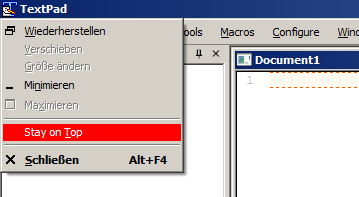
configure "stay on top"
Posted: Wed Jul 27, 2022 4:57 pm
My textpad window (8.12.0) stays on top of all my other windows. When I search in help for "stays on top" it says that this configuration is configured at Preferences from the Configure menu - Stay on top of other windows. However, I do not have that configuration item: in fact the configuration under Preferences is not the same as what the help says. Why is it not the same and how do I turn off "stays on top". Thanks.